01WHEN THE ALARM HITS
Hear it when it matters.
Rust+ Smart Alarm events can trigger a looping siren and a full-screen alert. Test the sound locally before you rely on it.
RUST+ REQUIRED FOR LIVE ALERTS↗
The useful bits of Rust+ and the little tools you reach for every wipe, gathered in one quiet Windows app.
No account wall for the basics. Bring in Rust+ when you want the live connection; keep the rest of your setup on your own PC.
Rust+ Smart Alarm events can trigger a looping siren and a full-screen alert. Test the sound locally before you rely on it.
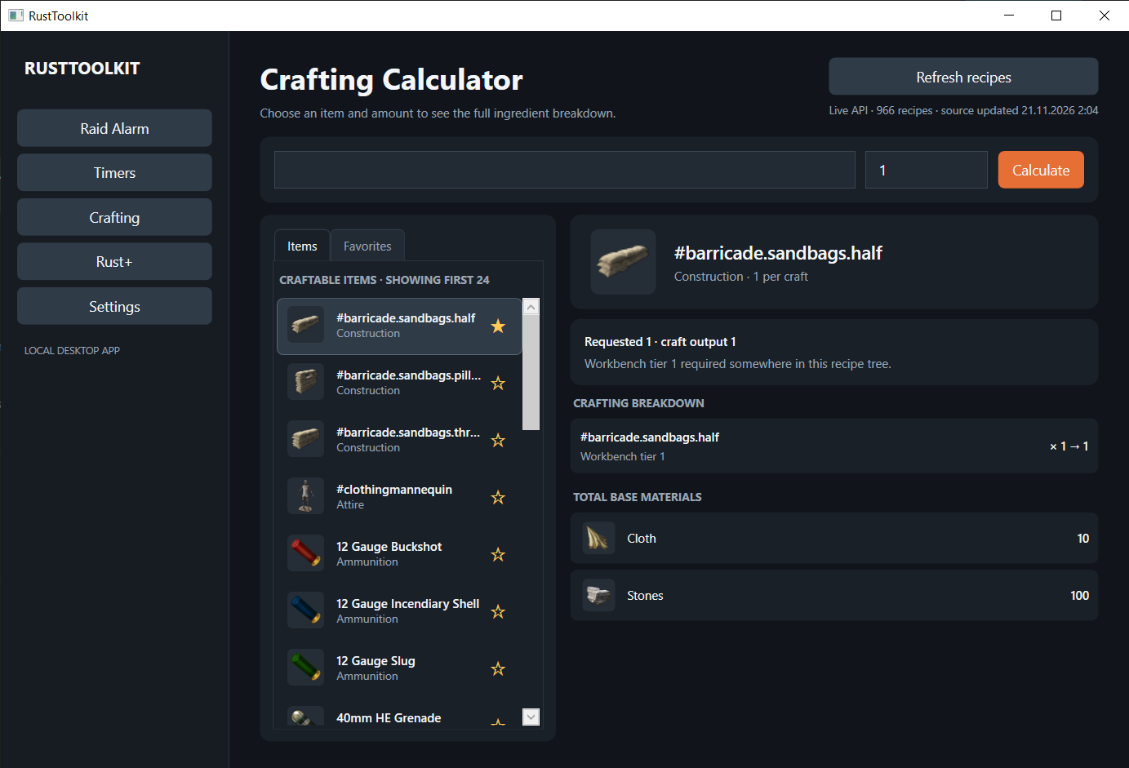
Batch-aware recipes, nested components, and a clean total of base materials.
Keep named countdowns for events, cooking, and the next time you need to move.
Open your notes app with RustToolkit and keep your own setup in one place.
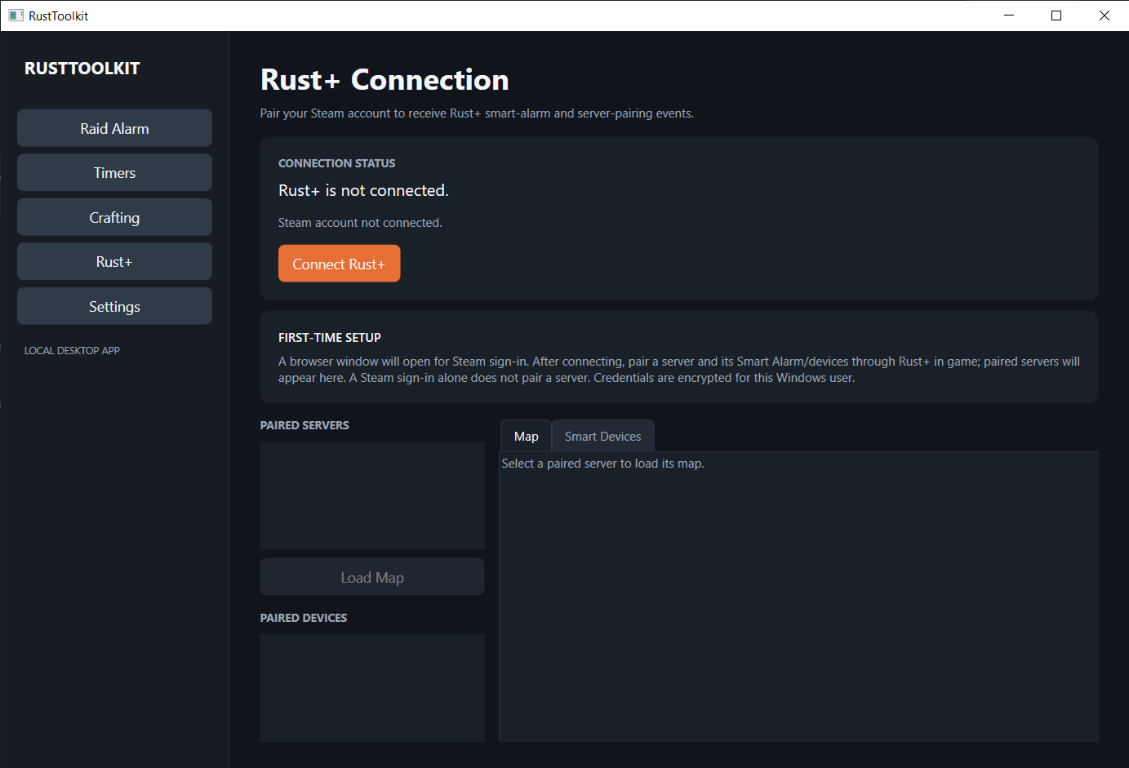
Pair a server to load its map, inspect paired smart devices, or control a Smart Switch. Sign out whenever you want.
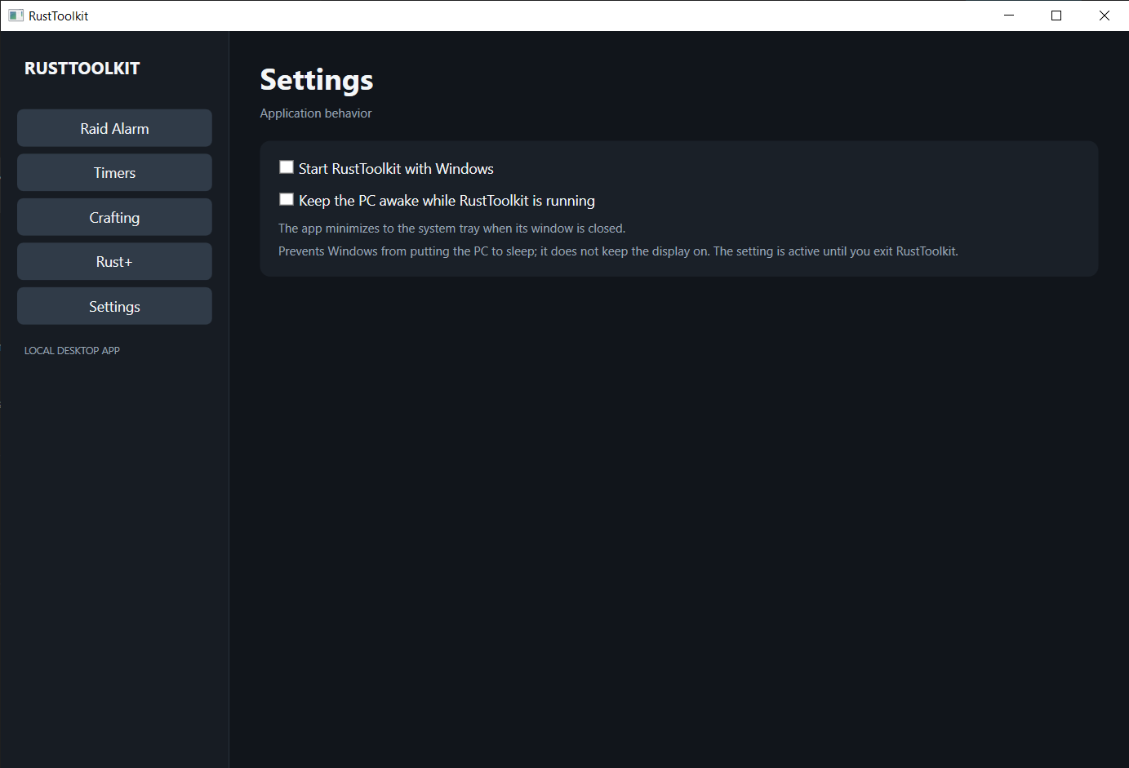
A compact desktop companion that stays out of the way until you need it. Browse the actual app screens below.
Start with the local tools. Steam sign-in is optional, and the welcome screen shows what needs Rust+ before you connect.
Browse the source on GitHubRun the Windows x64 installer and follow the prompts. A portable ZIP is also available in Releases.
Continue without an account, or connect Steam for Rust+ features.
Pair a server and Smart Alarm or devices in-game to see them here.
Free to use. Built for Windows. Rust+ connection is optional.
Get the latest releaseLatest version, release notes, and download size are listed on GitHub. All releases